
 Free Delivery On Orders Over $180
  Same Day Delivery
  Click & Collect
  Installment Payment
  Store Locations
  eGift Card
 Buy Monitors
Looking for a new monitor to enhance your viewing experience? Gain City offers a wide selection of high-quality computer monitors in Singapore, from immersive curved ultrawide displays to convenient portable displays. Browse our extensive range and find the perfect screen for your needs and at a great price.
-
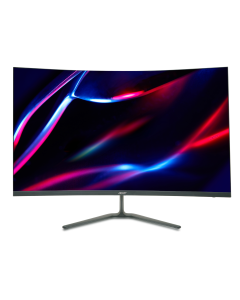 Acer Nitro 31.5" QHD Gaming Monitor ED320QU S3 CURVED
ED320QU S3 CURVED
180HZ, CURVED VA PANELAdd to Wish ListS$329.00 -
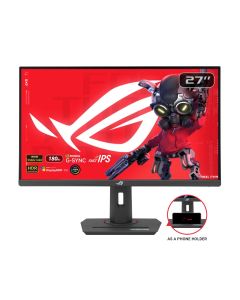
-
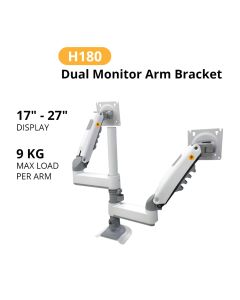
 North Bayou Dual Screen | 2-9KG | 17-35" Monitor Arm H180 - WHITE
H180 - WHITE
Add to Wish ListS$64.00 U.P. S$99.00 -
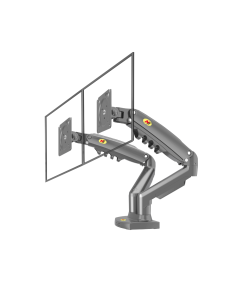 North Bayou Dual Screen | 2-9KG | 17-27" Monitor Arm F160 - GREY
F160 - GREY
Add to Wish ListS$45.00 U.P. S$79.00 -
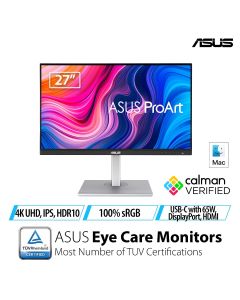
-
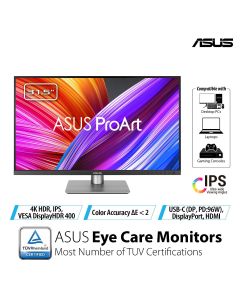
-
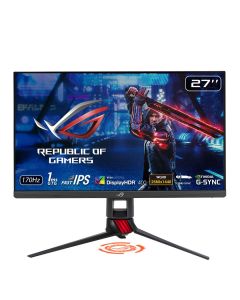
-
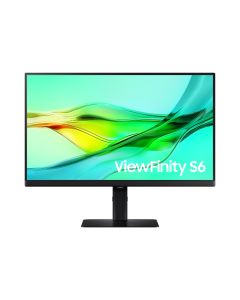
 Samsung 24" QHD Monitor LS24D604UAEXXS - C
LS24D604UAEXXS - C
Add to Wish ListS$368.00 U.P. S$508.00 Go Green Sale - 10% OFF -
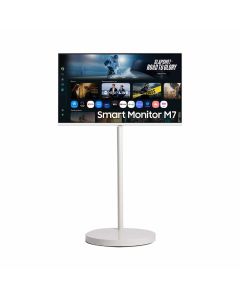
 Samsung 32" M7 4K Flat Smart Monitor (LS32FM701UEXXS) White With Z-Movstand F-32FM701EE - C
F-32FM701EE - C
Add to Wish ListS$898.00 Go Green Sale - 10% OFF -
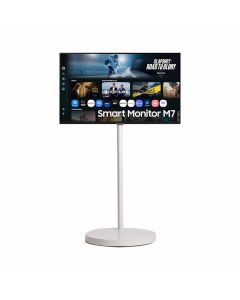 Samsung 32" M7 4K Flat Smart Monitor (LS32FM700UEXXS) Black With Z-Movstand F-32FM700EE - C
F-32FM700EE - C
Add to Wish ListS$898.00 Go Green Sale - 10% OFF -
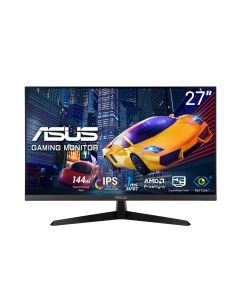
-
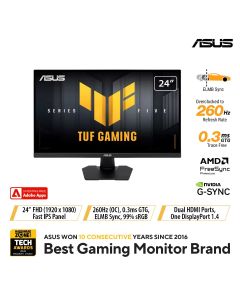
-
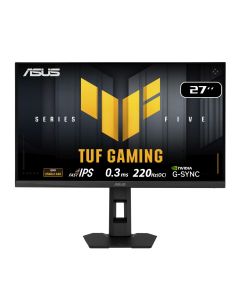
-
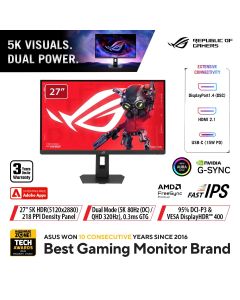
-
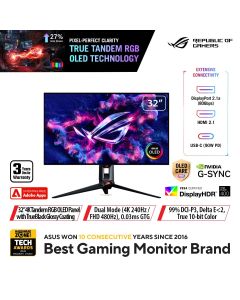 Asus 32" ROG Swift UHD Tandem RGB WOLED Gaming Monitor PG32UCWM
PG32UCWM
Add to Wish ListS$2,199.00 -
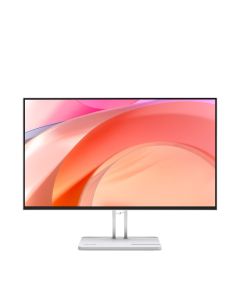 Lenovo L27-4r 27" FHD Monitor 68FEKAC1MY
68FEKAC1MY
FLAT IPS PANELAdd to Wish ListS$169.00 U.P. S$189.00 -
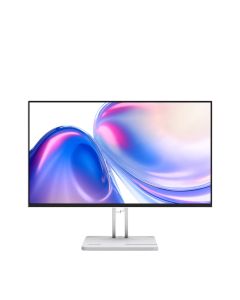 Lenovo L24-4r 23.8" FHD Monitor 68FDKAC6MY
68FDKAC6MY
FLAT IPS PANELAdd to Wish ListS$134.00 U.P. S$149.00 -
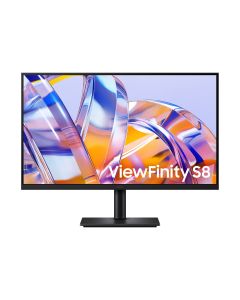 Samsung 32" ViewFinity S8 S80UH 4K Monitor LS32H802UAEXXS
LS32H802UAEXXS
Add to Wish ListS$598.00 U.P. S$668.00 -
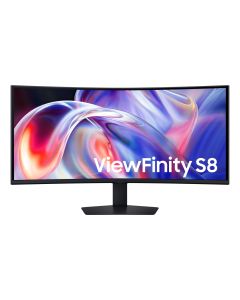 Samsung 40" ViewFinity S8 S85TH WUHD Monitor LS40H850TAEXXS - C
LS40H850TAEXXS - C
Add to Wish ListS$2,488.00 U.P. S$2,588.00 Go Green Sale - 10% OFF -
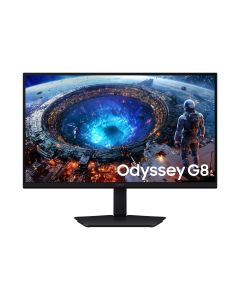 Samsung 27" Odyssey G8 G80HF 5K 180Hz / QHD 360Hz Gaming Monitor LS27HG806EFXXS - C
LS27HG806EFXXS - C
Add to Wish ListS$1,788.00 U.P. S$1,888.00 Go Green Sale - 10% OFF
Features to Consider When Buying Computer Monitors
A computer monitor can significantly impact your viewing experience. No matter if you’re buying an ultrawide or curved display or a portable screens, here are the key features to consider before you buy:
- Panel Type: Different panel technologies offer varying image quality. IPS panels provide the best colour accuracy and wide viewing angles, while VA panels offer high contrast, and TN panels prioritise fast response times.
- Display Size: Computer monitor sizes are typically measured diagonally in inches. Common sizes include 24", 27", and 32". However, for multitasking and immersive experiences, consider a larger display like a 34” or a 40" ultrawide monitor.
- Resolution: Higher resolutions offer sharper images and more screen real estate. Common resolutions include Full HD (1080p), Quad HD (1440p), and 4K Ultra HD.
- Refresh Rate: Measured in Hertz (Hz), the refresh rate determines how many times the screen refreshes per second. Higher refresh rates like 144hz result in smoother motion, which is desirable for gaming.
- Connectivity: Ensure the monitor has the necessary ports to connect to your devices. Common ports include HDMI, DisplayPort, and USB-C.
Monitor Prices in Singapore
Monitor prices in Singapore can vary depending on the size of the screen and its features.
- 24-inch Monitors (1080p, 60Hz): SGD $150 to $300
- 27-inch Monitors (1080p/1440p, 60-75Hz): SGD $250 to $500
- Computer Gaming Monitors (1440p/4K, 144Hz): SGD $400 to $1,000+
- Ultrawide Curved Displays (2560x1080, 60-120Hz): SGD $500 to $1,500+
- Portable Monitors (1080p/1440p, 60Hz): SGD $250 to $600
Why Buy Monitors at Gain City
Choose Gain City for your next monitor. Here's why you should purchase from us:
- Competitive Prices: We offer the most competitive monitor prices in Singapore so you can find the perfect display no matter your budget.
- Extensive Selection: Explore our vast selection of computer monitors from top brands and in every category. We offer everything from portable display monitors to ultrawides for gaming and entertainment.
- Expert Advice: Our knowledgeable staff are passionate about technology and can provide expert guidance and answer any questions you may have about monitors.
Frequently Asked Questions About Monitors
Should I get a G-Sync or FreeSync monitor?
G-Sync monitors offer smoother visuals but require an NVIDIA GPU and are more expensive. Alternatively, FreeSync monitors are more budget-friendly and compatible with both AMD and NVIDIA GPUs. However, they have limited performance with NVIDIA cards.
Is refresh rate important for computer monitors?
A higher refresh rate like 120Hz or 144Hz means smoother motion and less blur, which is great for gamers or video editors. For everyday tasks, a 60Hz monitor is sufficient.
Can I use multiple monitors with one computer?
Yes, most modern computers can support multiple monitors, expanding your workspace and enhancing productivity. You'll need a graphics card with enough video outputs (like DisplayPort or HDMI) to connect the monitors. Consider using monitor arms to mount your displays and free up desk space.
Do all monitors come with warranties?
Yes, all computer monitors from Gain City in Singapore come with a manufacturer's warranty, providing peace of mind in case of defects or malfunctions.